How to Effectively Manage Workstation Decommission and Deployment in Your Company
MD
Understanding the Importance of Workstation Management
Effectively managing the decommission and deployment of workstations in your company is crucial for maintaining productivity and ensuring seamless operations. Whether you're upgrading to new technology or optimizing your existing setup, a well-structured plan can make the transition smoother and more cost-effective.
Proper management of workstations involves not only the physical aspects but also the software, data migration, and employee training. By focusing on these areas, you can minimize downtime and disruptions.

Planning for Decommission
Inventory and Assessment
The first step in decommissioning workstations is to conduct a thorough inventory and assessment. Identify which workstations need to be phased out, and evaluate their current performance and any associated costs. This information will help you prioritize which systems to decommission first.
Data Backup and Security
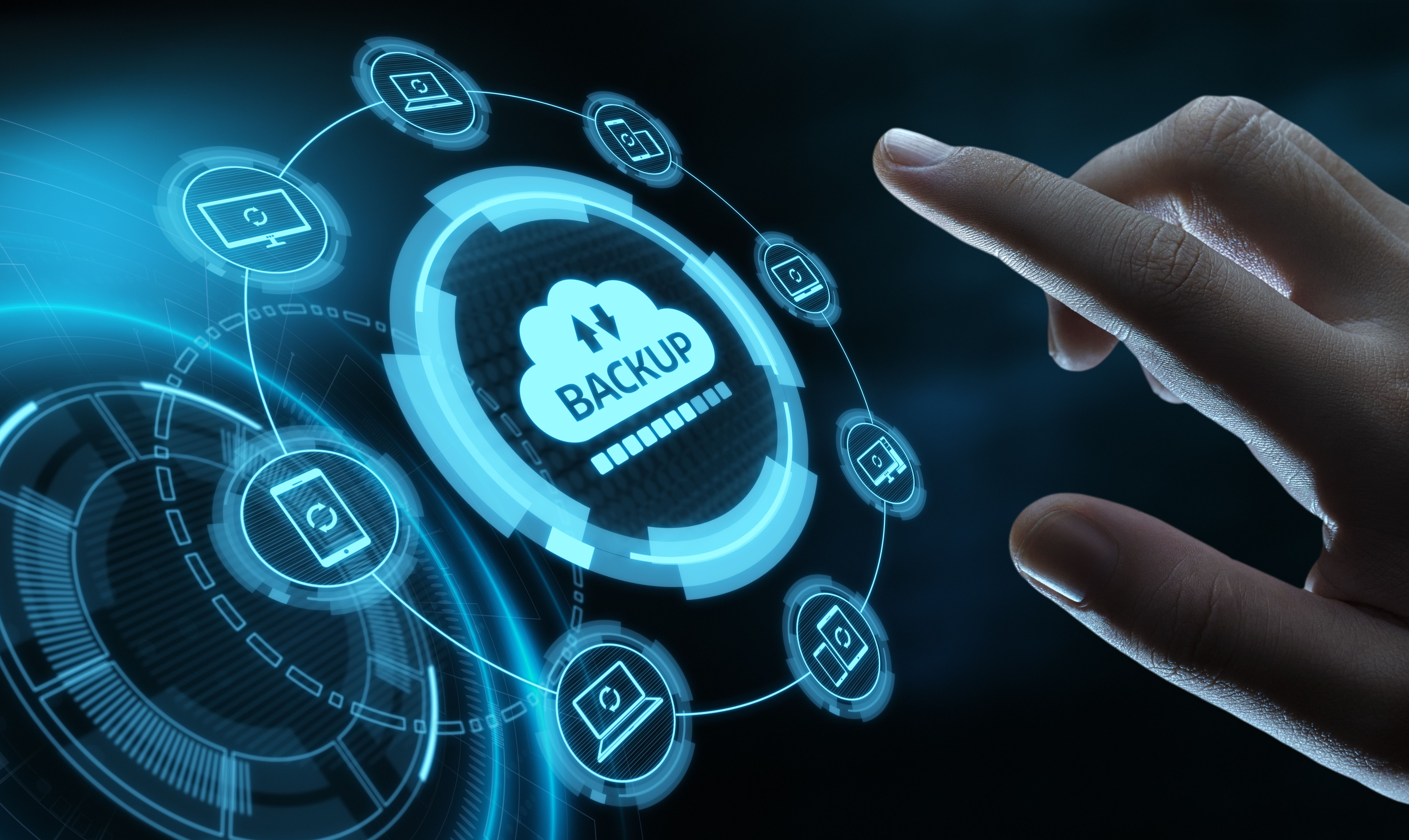
Before decommissioning, ensure that all critical data is backed up securely. This includes transferring important files to new systems and ensuring that sensitive information is protected during the transition. Implementing strong security measures is essential to prevent data breaches.
Deployment of New Workstations
Choosing the Right Technology
Selecting the appropriate technology for your company's needs is vital. Consider factors such as processing power, storage capacity, and compatibility with existing software. Engage with stakeholders to understand their requirements and to ensure that the new workstations align with their objectives.
Installation and Configuration
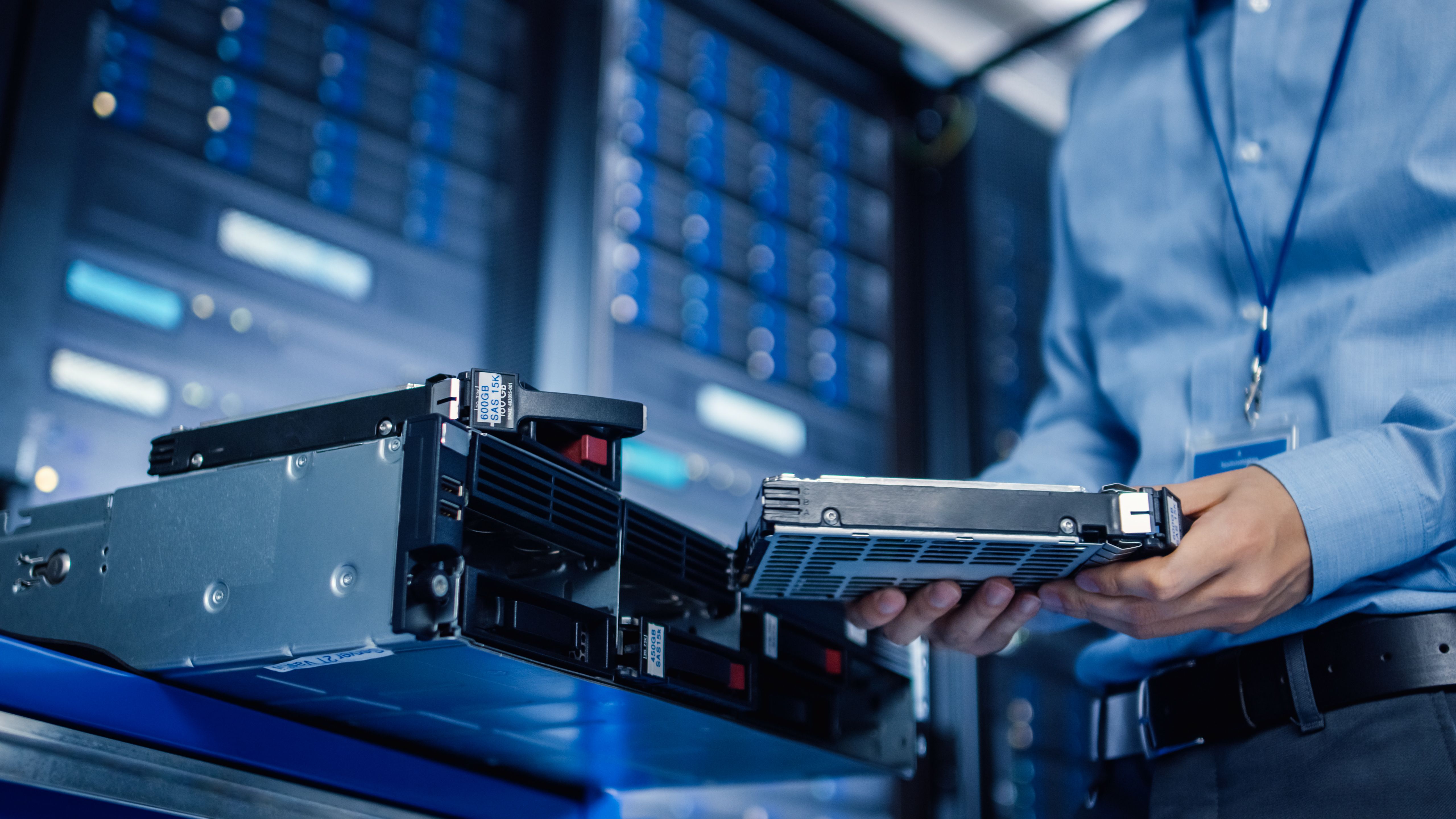
Once you have chosen the right technology, focus on the installation and configuration process. This involves setting up the hardware, installing necessary software, and configuring network settings. Collaboration with IT professionals can streamline this process and reduce potential errors.
Training and Support
Providing adequate training and support to employees is a critical component of a successful workstation deployment. Offer training sessions to familiarize staff with new systems and features. Establish a support system to assist employees in troubleshooting any issues that may arise.
Regular feedback sessions can also help identify any challenges and improve the overall user experience. This proactive approach ensures employees feel confident and capable with the new technology.
Monitoring and Maintenance
After deployment, continuous monitoring and maintenance are essential to keep workstations running efficiently. Schedule regular updates and maintenance checks to prevent potential issues. Utilize monitoring software to track performance and identify any areas that need improvement.
By maintaining an ongoing focus on optimization, your company can maximize the lifespan and effectiveness of its workstation assets.
Conclusion
Effectively managing workstation decommission and deployment in your company requires careful planning and execution. By addressing inventory, data security, technology selection, employee training, and continuous maintenance, you can ensure a smooth transition and sustained productivity. Implement these strategies to enhance your workstation management process and support your company's growth and success.